Gevrey – Chambertin
-
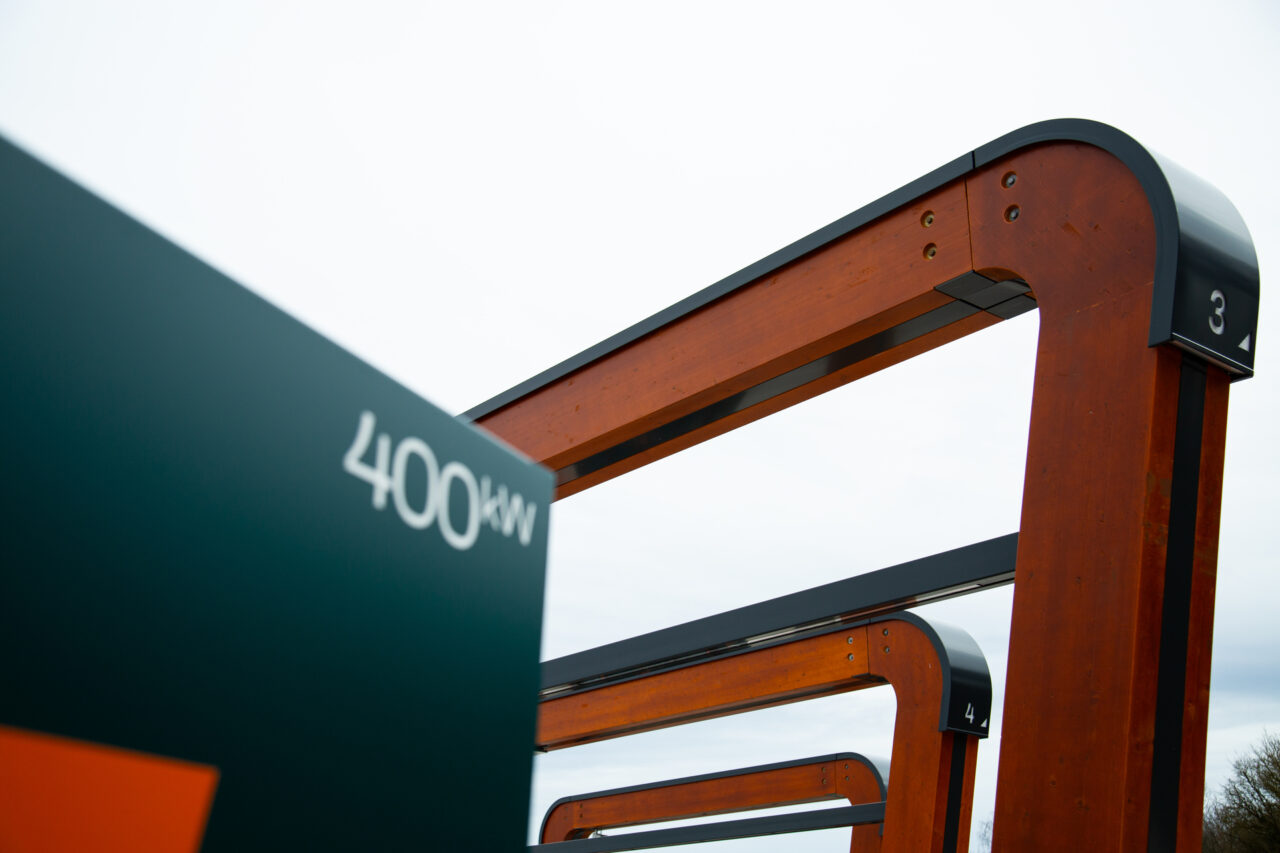
Charging bays6
-
CCS2 x 400 kW
- Secure parking

How to charge?
Milence charging hubs are designed to accommodate all truck brands, ensuring accessibility for every driver. Enjoy a seamless charging experience with our versatile payment options.
Milence is driving sustainability, ensuring every journey taken on our network leaves a smaller carbon footprint.
Frequently Asked Questions
Get quick answers to common questions about our charging hubs, including access, payment options, and on-site services.
The Gevrey hub is directly accessible from the motorway when coming from the south. When coming from the north, you will need to exit the motorway at Exit 1 – Nuits-Saint-Georges, then follow the signs towards A31 Metz/Nancy/Dijon to rejoin the motorway and access the site.
- How do I enter the site? Drive towards the entrance barrier and the barrier will open automatically. Press the intercom at the entrance barrier in case of a problem. Our support team will verify and grant access. Follow the signs to the charging bays. Drive towards the bay barriers and they will open automatically.
- How do I exit the site? Drive towards the exit.
- How can I leave & re-enter the site on foot? You can exit and re-enter on foot next to the barriers.
- Safe parking: Camera surveillance, accessible for electric trucks only.
- Amenities: It is located in Aire de Gevrey-Chambertin Est truck parking location. There are toilets, showers, coffee machines, vending machines and indoor and outdoor seating areas, restaurants & cafes, and gas stations nearby.
- Wi-Fi: Free site-wide internet.
- Support: Assistance available via the intercom or the number on the chargers (+33159320069).
- Via eMSP charge card or app, directly at the charger. Check out our up-to-date eMSP partner list at milence.com/payment-methods.
- Via the Milence charge card, directly at the charger.
- Via contactless bank card, at the payment terminal installed on the charging bay arches.
- With an eMSP/RFID charge card: Tap your card, select the connector, start charging. Tap again to stop. Unplug the cable as the last step.
- With a bank card at a payment terminal: Connect the cable, select your charger on the terminal, tap your card, and start charging. Track progress on the charger screen or via a QR code on the terminal. Stop charging via the card reader or terminal, then unplug the cable.
First, double-check the charging steps above. If you need help, contact our support team using the phone number on the charger (+33159320069).