Milence charging hub
Padborg
eTrucks only
Operational
-
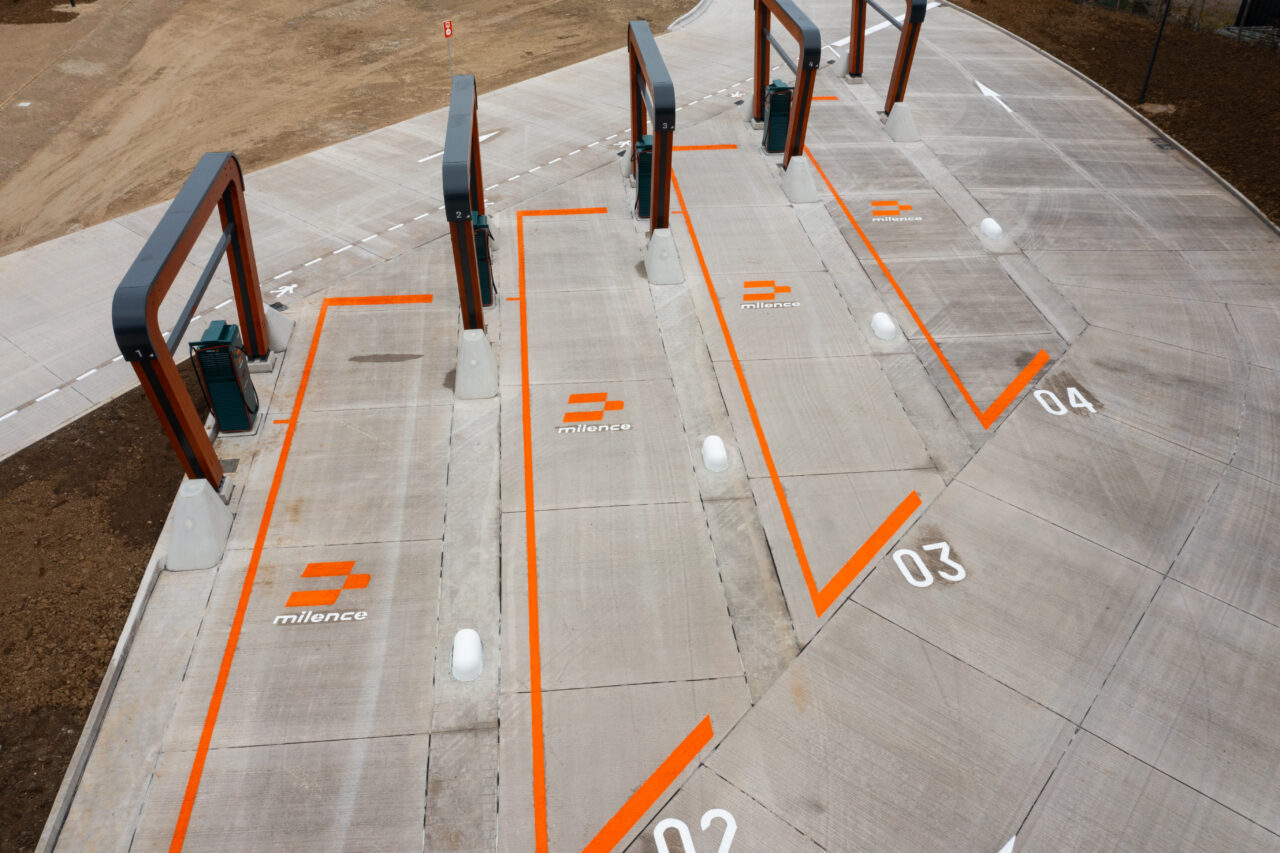
Charging bays4
-
CCS4 x 400 kW
- Secure parking
- Toilet
- Seamless charging

Explore this
charging hub
Transforming the future of sustainable mobility together.
Video
How to charge?
Milence charging hubs are designed to accommodate all truck brands, ensuring accessibility for every driver. Enjoy a seamless charging experience with our versatile payment options.
Video
Milence is driving sustainability, ensuring every journey taken on our network leaves a smaller carbon footprint.
Frequently Asked Questions
Get quick answers to common questions about our charging hubs, including access, payment options, and on-site services.
- How do I enter the site? Drive towards the entrance gate and the gate will open automatically. Press the intercom at the entrance gate in case of a problem. Our support team will verify and grant access. Follow the signs to the charging bays.
- How do I exit the site? Drive towards the exit gate and the gate will open automatically. Press the intercom in case of a problem and our support agent will open the gate for you.
- How can I leave & re-enter the site on foot? Use the pedestrian turnstile door. Press the intercom for leaving and access.
- Safe parking: Secure and gated, accessible for electric trucks only.
- On-site amenities: Free toilets and outdoor seating area.
- Nearby amenities: Nearby Gas stations (Shell, Biofuel Express) and Fitness center (ApS). Restaurants in 1.5 km range (Vognmandstanken).
- Wi-Fi: Free site-wide internet.
- Support: Assistance available via the intercom or the number on the chargers (+4589871095).
- Via eMSP charge card or app, directly at the charger. Check out our up-to-date eMSP partner list at milence.com/payment-methods.
- Via the Milence charge card, directly at the charger.
- Via contactless bank card, at the payment terminal installed on the charging bay arches.
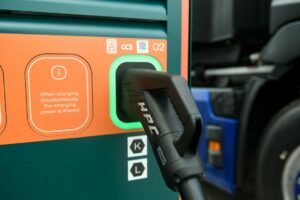
- With an eMSP/RFID charge card: Tap your card, select the connector, and start charging. Tap again to stop. Unplug the cable as the last step.
- With a bank card at a payment terminal: Connect the cable, select your charger on the terminal, tap your card, and start charging. Track progress on the charger screen or via a QR code on the terminal. Stop charging via the card reader or terminal, then unplug the cable.
First, double-check the charging steps above. If you need help, contact our support team using the phone number on the charger (+4589871095).